

Introducing the Libro.fm web player!
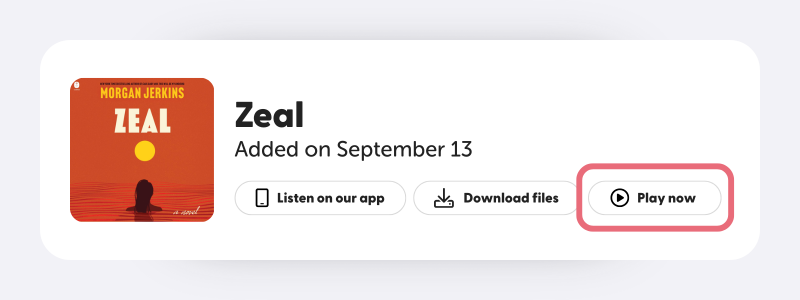
You can now easily listen to your Libro.fm audiobooks on your computer with our Web Player. Just go to your Libro.fm library, find the audiobook you want, and hit “Play now.”
Anatomy of the Libro.fm Web Player

- Copy audiobook link
- Track progress indicator
- Audiobook controls (previous track, skip back 15 seconds, play/pause, skip forward 15 seconds, next track)
- Listening speed
- Track list
- Volume control
How do I access the web player?
To access the web player, make sure that you have wifi enabled on your computer, then go to your Libro.fm library, find the book you want, and hit “Play now.”
Why are some of my books unavailable to play in the web player?
While most Libro.fm audiobooks are available in the m4b format used by the web player, some are not. We are in the process of making all audiobooks available in this format.